Pixel Dilation for Aseprite
A downloadable tool
Pixel Dilation for Aseprite
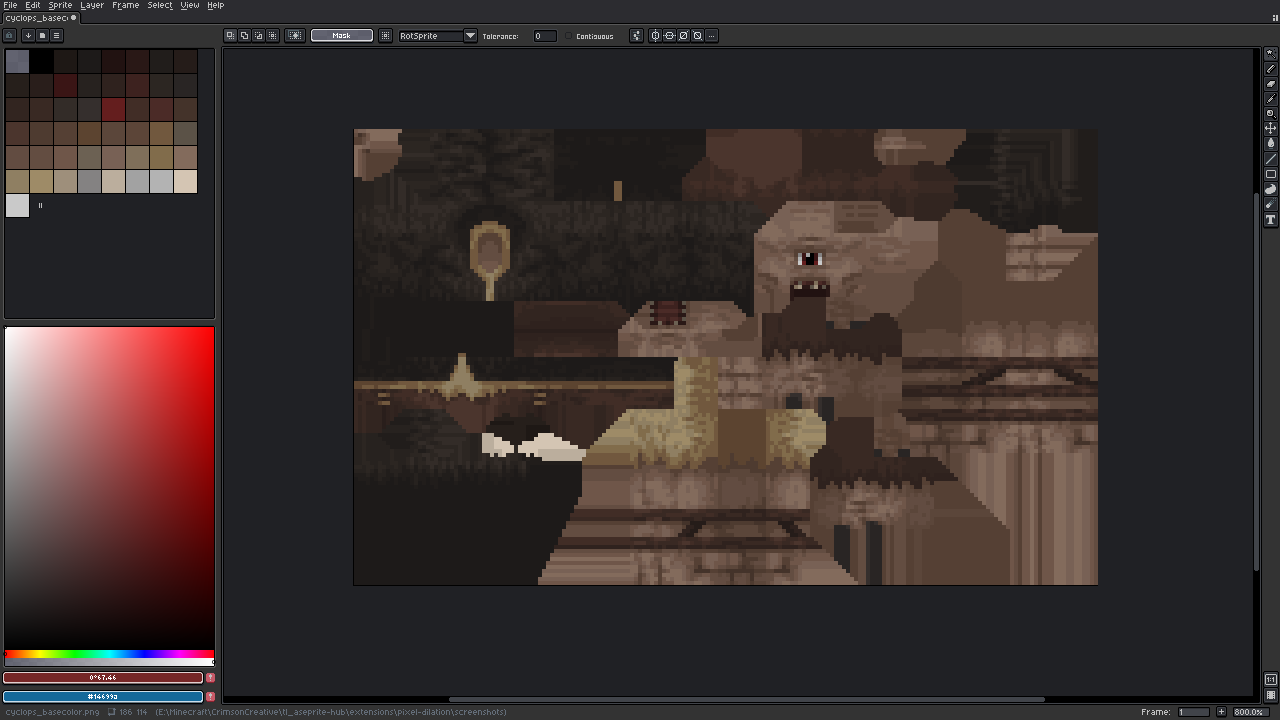
Ever exported a sprite or texture and found thin dark lines around the edges when importing to an engine? That's the transparent pixels around your art leaking in when the engine scales or filters it.
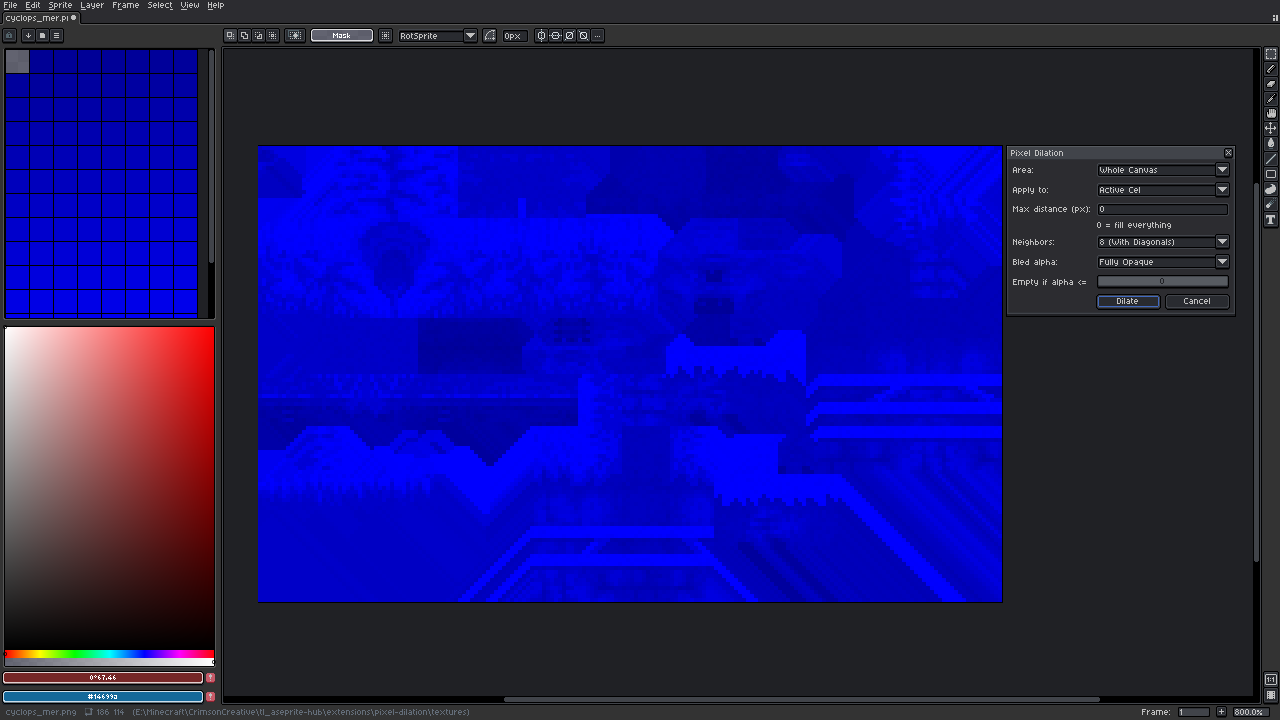
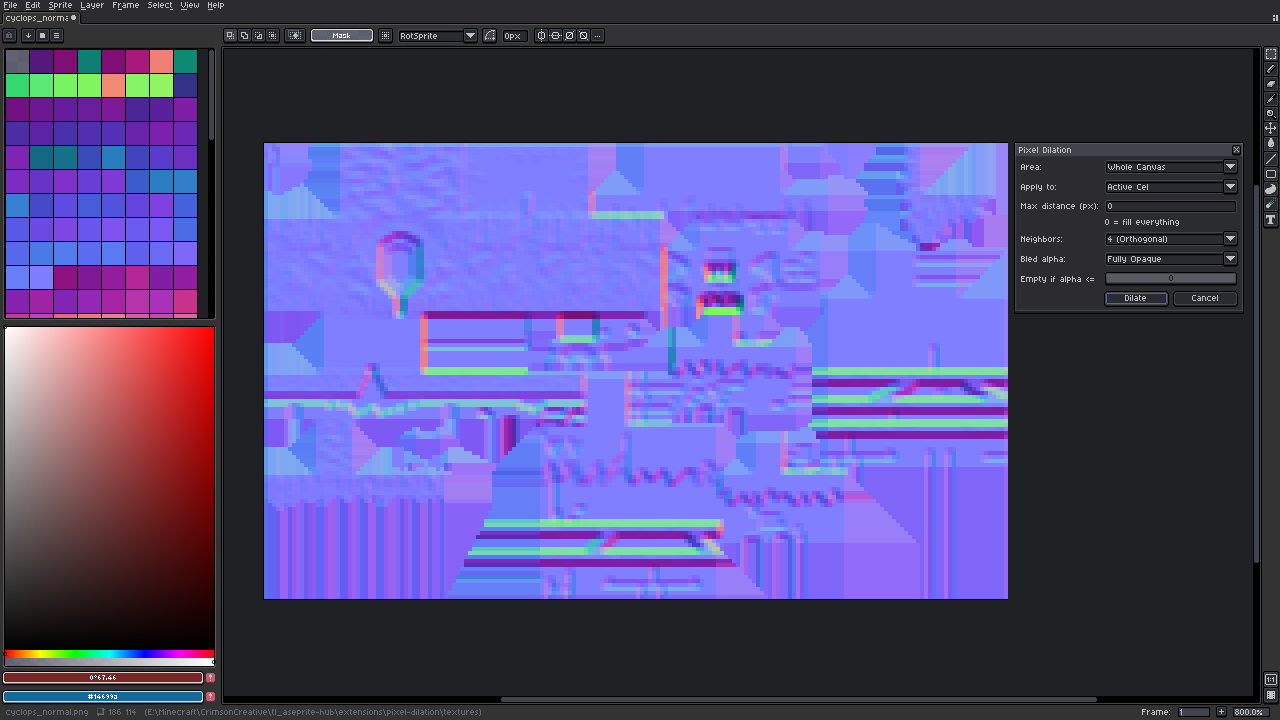
Pixel Dilation fixes that. It takes the colors at the edge of your art and spreads them out into the empty pixels, so when things blur or mipmap there's only your own colors to pull from.
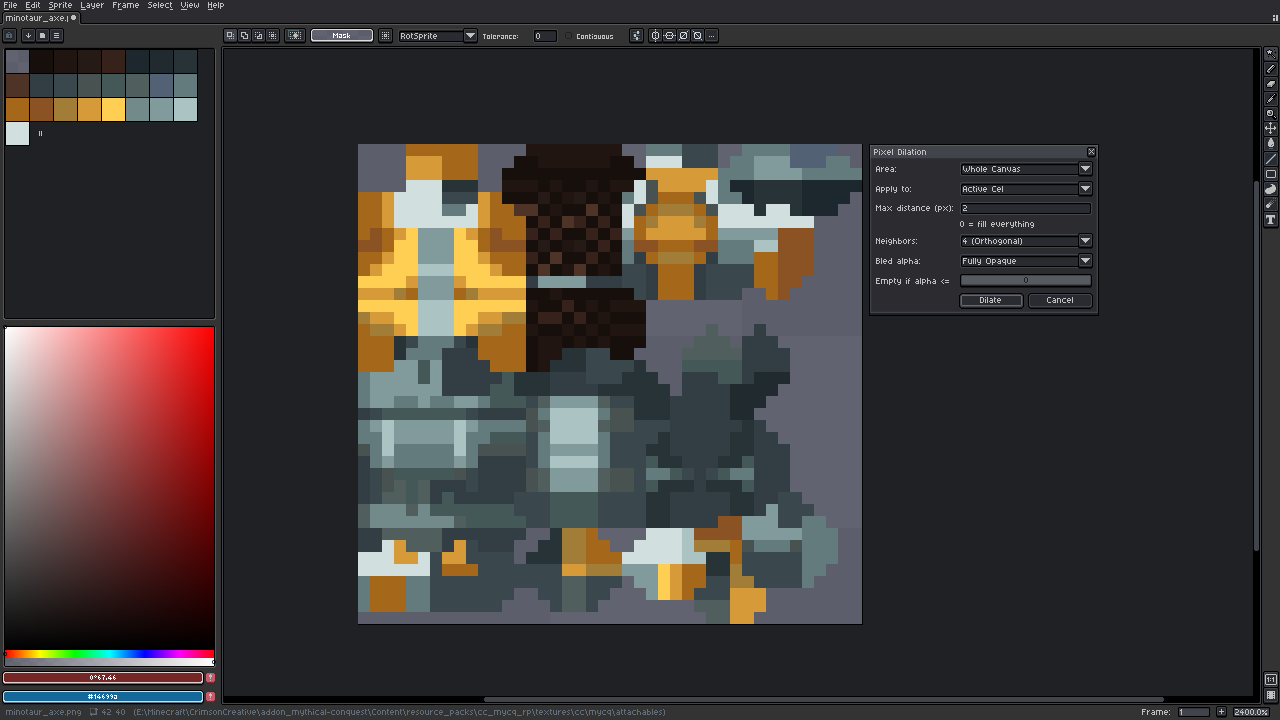
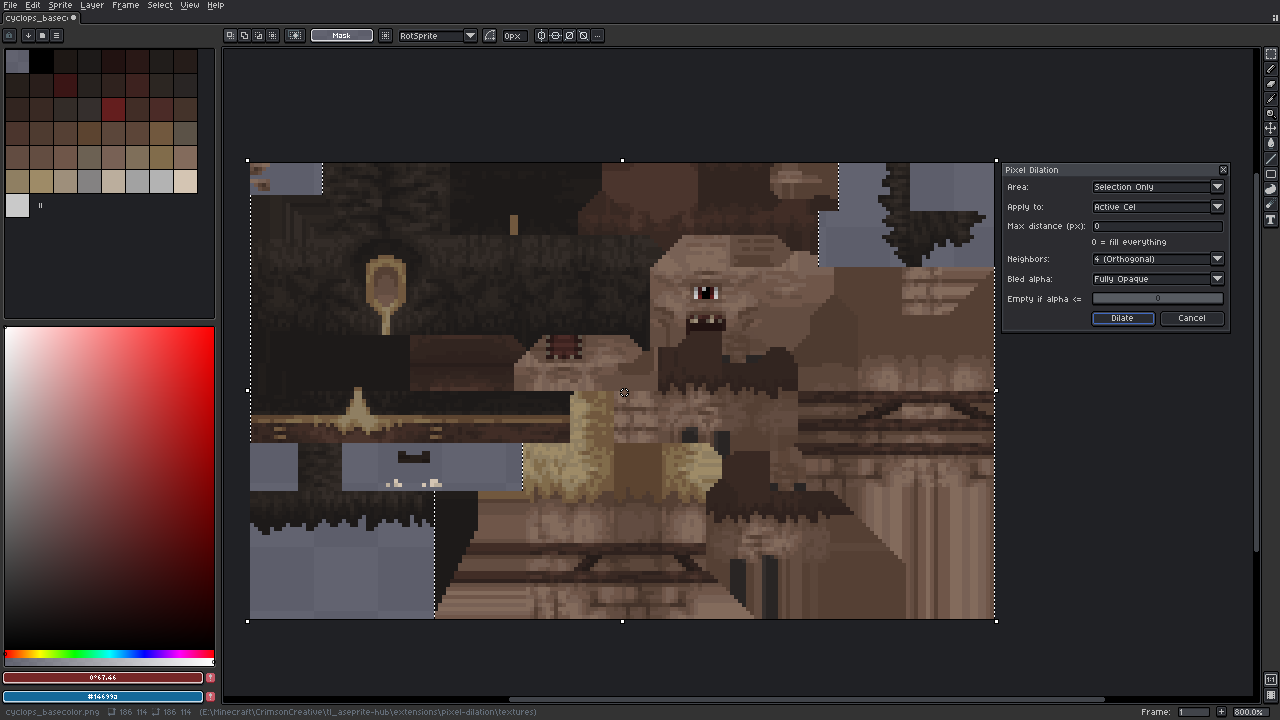
- Run it on the whole canvas, or select an area and fill just that
- Spread as far as it can go, or set a limit in pixels
- Keep the filled pixels solid, or invisible (color only, alpha stays at 0) so the sprite looks exactly the same
- Works on one frame or every frame of the layer
- You can undo, and it remembers your last settings
We made this because we kept fixing texture seams by hand when creating retro looking 3D models for our projects and got tired of it. Other painting software have an easy fix for this so why not here as well.
Install: download the file, double-click it (or Edit > Preferences > Extensions > Add Extension), then find it under Edit > FX > Pixel Dilation. You can also assign a keyboard shorcut to it for easy access.
Free to use, including on commercial projects. If it helps you out, a tip is really appreciated. It helps us keep making tools like this. Credits are appreciate but not mandatory.
Made by Crimson Creative SRL
Download
Click download now to get access to the following files:
Leave a comment
Log in with itch.io to leave a comment.